
Field Notes from Recovery Point
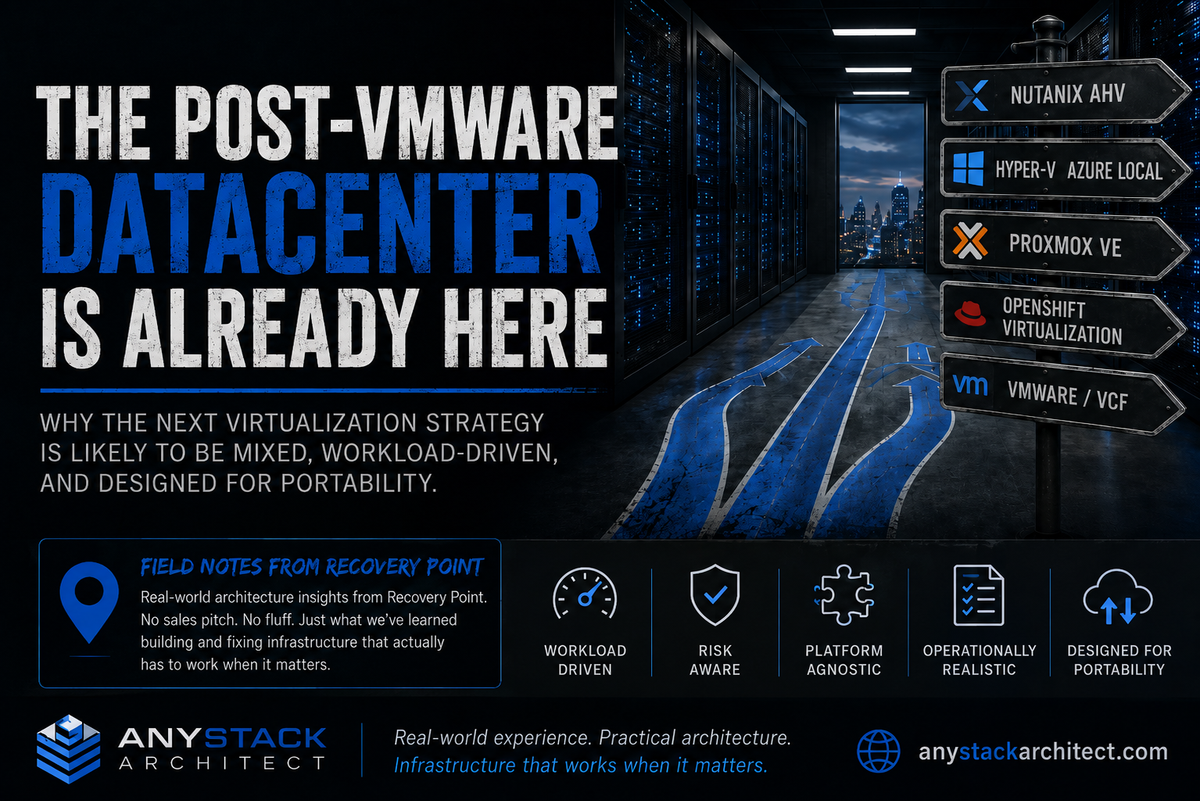
For most of my career, virtualization strategy meant VMware unless there was a good reason for it not to. You picked vSphere, then storage, networking, backup, DR, monitoring, and staffing all fell into place around it. That's not the conversation I'm having with customers anymore. VMware is still in plenty of environments and, in a lot of cases, it should be. What has changed is that Nutanix AHV, Hyper-V and Azure Local, Proxmox VE, and OpenShift Virtualization are now showing up in the same designs for different reasons. Most shops didn't set out to build a mixed datacenter. They got there one project, one renewal, one acquisition, or one recovery requirement at a time.
This isn't a platform shootout, and I'm not trying to crown a new default hypervisor. I care about what changes when several platforms have to coexist and somebody still has to operate, protect, migrate, and recover the applications on them. The examples here come from Recovery Point customer work, DR design, migration projects, and our own infrastructure.
For a long time, infrastructure teams could make the platform decision almost by muscle memory. A VMware shop bought another VMware cluster. DR usually mirrored it. Backup, monitoring, networking, storage, runbooks, and staff skills grew around the same assumption. That consistency had real value because one of the biggest architecture decisions was already settled.
Broadcom isn't standing still. VMware Cloud Foundation 9.1 is current, and Broadcom is actively documenting brownfield import and conversion paths for existing vCenter and networking environments.[1] Staying on VMware can still be the right technical and commercial call. I don't have a problem with that. I have a problem with treating it as automatic.
The difference now is that the alternatives are credible enough to force a real design decision.
Post-VMware doesn't mean anti-VMware
When I say "post-VMware datacenter," I'm not predicting VMware disappears. I mean we're past the point where VMware gets selected before the workload, budget, operating model, or recovery requirement is even discussed.
Some organizations will standardize on VMware Cloud Foundation and be perfectly happy there. Others are moving major chunks of infrastructure to Nutanix AHV. Microsoft-heavy shops are looking harder at Hyper-V and Azure Local. Proxmox VE is now coming up in enterprise conversations that would have dismissed it a few years ago. OpenShift Virtualization is getting attention when platform teams want VMs and containers under the same OpenShift operating model.
A lot of organizations are going to do several of those things at the same time, whether they planned for a multi-platform estate or not.
The question I care about now is: "Where does this workload belong, and can we still protect, recover, move, and operate it when that answer changes?"
That forces the design to start with the workload instead of the vendor standard. It sounds obvious, but it changes everything that follows.
The alternatives are already in real projects
I wouldn't build a mixed-hypervisor estate just because there are more products to choose from. The reason it matters is simpler: these platforms are already showing up in production designs, DR conversations, and customer requirements, and they aren't all solving the same problem.
Nutanix AHV is an operating model, not just a hypervisor
Nutanix AHV 11.2 is Nutanix's native hypervisor for Nutanix HCI. Nutanix integrates virtualization, networking, infrastructure operations, high availability, dynamic scheduling, and day-to-day VM management through Prism. Live migration, HA, and virtual network management are part of the normal operating model.[2]
What keeps Nutanix in serious projects isn't an isolated hypervisor feature contest. Customers are buying the operating model. Compute, storage, virtualization, and management are designed to work together. If that's the model a customer wants, the tighter integration is a strength. If it isn't, that same coupling deserves a hard look before the workload moves.
Proxmox VE is moving deeper into enterprise conversations
Proxmox VE 9.2 is the current release and is based on Debian 13.5, with Linux kernel 7.0, QEMU 11.0, LXC 7.0, ZFS 2.4, and current Ceph options. Version 9.2 also adds dynamic load balancing and expands the SDN stack with BGP and WireGuard support.[3] Earlier in the 9.x line, Proxmox added snapshots for thick-provisioned LVM shared storage backed by Fibre Channel or iSCSI SANs, plus SDN fabrics for redundant routed networks.[4]
The boring parts are what get my attention: cluster balancing, shared storage behavior, routing, failover, and whether the platform fits into infrastructure that already exists. Those details decide whether something that looked great in a lab survives a real datacenter.
I wouldn't automatically replace VMware with Proxmox. I also wouldn't dismiss Proxmox before the architecture discussion anymore.
OpenShift Virtualization changes the ownership model
Red Hat OpenShift Virtualization 4.22 lets teams run and manage virtual machines alongside container workloads. In 4.22, Red Hat added EVPN integration for user-defined networks, automatic persistence of static IPs during VM migrations, and volume-group based multi-volume snapshots for VMs.[5] Cross-cluster live migration was already generally available in 4.21.[6]
OpenShift Virtualization can change the ownership model as much as the hypervisor. A platform engineering team may not want another traditional virtualization silo. It may want VMs to become another workload type inside the same application platform it already uses for containers.
That's why I wouldn't compare OpenShift Virtualization to vSphere with a giant checkbox matrix and call it done. The VM features matter, but so do ownership, lifecycle, networking, storage, and the skills of the team that will be on call for it.
Microsoft is blending local virtualization with Azure operations
Azure Local hyperconverged deployments are built on Hyper-V, Storage Spaces Direct, Failover Clustering, and Azure management services.[7] Local VMs can be managed through Azure-connected tooling backed by Azure Arc, and AKS on Azure Local runs Kubernetes clusters on the same local platform while keeping the Azure management model.[8]
For a Microsoft-heavy environment, that can be a very natural fit. It also means Azure connectivity and Azure management become part of the design, so the discussion has to go beyond whether Hyper-V can run the VM.
There isn't a clean one-for-one replacement
A lot of replacement projects get sideways right here. Somebody asks for one product to inherit every role VMware accumulated over two decades, and the evaluation starts from that assumption.
I don't think that's a useful target. Different platforms can be the right answer for different parts of the estate, and forcing a universal winner can create more compromises than it removes.
| Platform | What tends to drive the decision | What the architect has to validate |
|---|---|---|
| VMware Cloud Foundation | Existing VMware estate, mature skills, integrated private cloud direction, application certification | Commercial fit, conversion or import path, VCF operating model, lifecycle requirements, existing automation |
| Nutanix AHV | HCI standardization, Prism operations, simplified infrastructure stack, Nutanix platform adoption | Storage and networking model, ecosystem dependencies, DR design, application support, migration path |
| Hyper-V / Azure Local | Microsoft alignment, Windows-heavy environments, Azure-connected operations, existing Windows skills | Management model, hardware validation, Azure dependencies, networking, backup and DR tooling |
| Proxmox VE | Operational control, open-source stack, flexible storage, cost model, KVM and Linux familiarity | Enterprise support expectations, hardware and storage design, automation, ecosystem integrations, staff skills |
| OpenShift Virtualization | Application platform convergence, Kubernetes operations, VM and container lifecycle under one platform | Platform team ownership, storage classes, networking, migration tooling, application support, backup integration |
A useful comparison starts with operating model and workload fit, not a feature checklist.
VMware can remain the right platform for a large part of the estate while Nutanix becomes the standard for a new business unit. Proxmox may fit a regional DR site. OpenShift Virtualization may be the right landing zone for a modernization effort. Hyper-V or Azure Local can make sense for Microsoft-heavy internal services. None of those choices has to become the answer for everything else.
A mixed estate isn't a design failure. It becomes one when nobody can explain why each platform is there or how the team is supposed to support it.
The second hypervisor is where the bill shows up
Licensing is the easy line item to put in a spreadsheet. The cost of a second hypervisor shows up in the work around it: monitoring, patching, networking, backup, security, documentation, automation, support, and on-call coverage. Some of that tooling can span platforms. Some of it can't. Either way, the operating burden has to be counted.
When another virtualization platform enters the environment, I want answers to the boring operational questions before I care about the demo:
- How are hosts patched and upgraded?
- How are clusters monitored?
- How is capacity planned?
- Who owns virtual networking?
- How are templates and images maintained?
- How are credentials and administrative roles separated?
- How are backup jobs and recovery procedures implemented?
- How is DR tested?
- How are VM moves handled between platforms?
- How are storage snapshots integrated, if they are integrated at all?
- How are automation scripts versioned and tested?
- Who is on call when the platform behaves differently at 2:00 AM?
Getting a VM to boot is usually the easy part. The harder test is whether another engineer can patch it, troubleshoot it, recover it, and support it at 2:00 AM without calling the person who built the cluster.
A second hypervisor only creates another recovery option if the workloads can actually be restored or migrated there, the network and storage dependencies are understood, and somebody can operate the target under pressure. Otherwise, it's just another platform to patch.
What we are seeing at Recovery Point
One reason I'm opinionated about this is that we've already had to live it.
Over the past year, Recovery Point has added and worked with several virtualization platforms for customer DR, new projects, and our own infrastructure. VMware is still there, but customer requirements are increasingly pulling in Nutanix AHV, Hyper-V, Proxmox VE, and OpenShift Virtualization too.
We also used Veeam v13 VMware backups during an internal migration from two major corporate vCenter environments to Hyper-V. Veeam's current 13.1 documentation explicitly supports recovering VMware vSphere backups as Microsoft Hyper-V VMs.[9] The lesson from our project wasn't that Hyper-V is better than VMware. It was that we could protect the workload on one platform, recover it onto another, validate it, and then operate it there.
The restore wasn't the end of the job. Once the Windows VMs were running on Hyper-V, VMware Tools wouldn't uninstall cleanly through Add or Remove Programs in our environment. We used a one-time PowerShell cleanup step to finish the migration. It was a small problem, but it's exactly the kind of thing that never shows up on a portability slide.
That migration is why I'm careful with the word portability. I don't consider a workload portable because a product matrix says it can move. I consider it portable after we have moved it, dealt with the guest and network cleanup, and proved the application works on the other side.
Availability, performance, support requirements, dependencies, owner, and business criticality.
Traditional virtualization, HCI, Azure-connected infrastructure, open-source virtualization, or application platform.
Storage, networking, backup, monitoring, automation, security, and application certification.
Restore or migrate the workload onto the intended recovery target and validate the application.
Guest changes, network mapping, tooling differences, operational gaps, and final placement steps.
Make a second operator follow the runbook so the design isn't dependent on the architect who built it.
A platform decision isn't complete until the operating and recovery paths have both been demonstrated.
Start with workload classes, not vendor names
I like workload classes because they stop a mixed environment from becoming a pile of one-off decisions. Define the kinds of workloads you expect to run, then decide which platforms are acceptable for each class and why.
For example, an organization might decide that:
- Tier 0 legacy applications remain on VMware because of certification, operational maturity, or existing integration.
- New general-purpose infrastructure lands on Nutanix AHV where the Nutanix operating model is already established.
- Microsoft-heavy internal services can use Hyper-V or Azure Local where the support and management model fits.
- Developer and platform-engineering workloads move toward OpenShift Virtualization when VM and container operations need to converge.
- Selected regional, lab, edge, or DR workloads use Proxmox VE where its flexibility and economics fit the requirement.
Those are examples, not universal rules. Every company will draw the lines differently. The useful part is having the lines in the first place.
Without guardrails, every new project turns into another platform argument and every exception becomes permanent. With them, the team can explain why a workload lives where it does and what would justify moving it later.
The architecture has to survive the next platform change
I don't want to bet a recovery design on guessing which vendor wins the next five years. I'd rather assume the platform answer will change again and build enough portability into the architecture to survive it.
For me, that puts a few requirements on the table from day one:
| Requirement | Why it matters in a mixed datacenter |
|---|---|
| Portable backup and recovery | A recovery point should remain useful even when the original hypervisor is unavailable, untrusted, or no longer strategic. |
| Documented network dependencies | Port groups, VLANs, overlays, firewall rules, DNS, and load balancer dependencies rarely translate automatically between platforms. |
| Storage abstraction where practical | Platform-specific storage features are valuable, but the organization should understand what happens when those features are unavailable on the recovery target. |
| Application-level validation | A VM boot isn't proof that the service works after a platform move. |
| Repeatable automation | PowerShell, APIs, Terraform, Ansible, and platform tooling need version control and platform-aware testing. |
| Skills coverage | Every supported platform needs more than one person who can operate and recover it. |
| Exit criteria | The organization should know what would trigger a workload move and how that move would be executed. |
Stop looking for a universal replacement
I don't expect one platform to take VMware's old place across every datacenter. Nutanix, Proxmox, OpenShift Virtualization, Azure Local, and VMware Cloud Foundation are solving different problems and asking customers to operate them differently. That's fine.
Having real choices is useful. Pretending those choices are interchangeable isn't.
Choice turns into operational debt when nobody can explain why a workload is on a platform, how it gets protected, where it can recover, or what it would take to move it later.
The mixed datacenter isn't five years away. It's what we're already being asked to protect, migrate, and recover. The job now is to make the mix intentional enough that it stays supportable when the next platform decision lands on the desk.
Key Takeaways
- Post-VMware doesn't mean VMware is gone. It means VMware isn't the automatic answer before the workload is understood.
- VMware Cloud Foundation, Nutanix AHV, Hyper-V and Azure Local, Proxmox VE, and OpenShift Virtualization have different operating models. Treating them as interchangeable hypervisors is a mistake.
- The second platform costs more than its license. Monitoring, networking, backup, lifecycle, automation, documentation, support, and skills all come with it.
- Recovery portability has to be proven at the application level. Getting a VM to boot on another platform is only the start.
- Workload classes give a mixed estate guardrails without pretending one platform needs to fit every use case.
- Assume the platform answer will change again. Document the dependencies and build the recovery path before you need it.
Sources
- VMware Cloud Foundation 9.1 brownfield import. Current VCF 9.1 brownfield import and conversion paths for existing vCenter and networking environments.
- Nutanix AHV 11.2 Overview. Current AHV virtualization, Prism management, HA, dynamic scheduling, live migration, and virtual networking model.
- Proxmox Virtual Environment 9.2. Current Proxmox VE release, Debian 13.5 foundation, Linux kernel 7.0, QEMU 11.0, LXC 7.0, ZFS 2.4, dynamic load balancing, and expanded SDN.
- Proxmox Virtual Environment 9.0. Introduction of snapshots for thick-provisioned LVM shared storage on FC and iSCSI SANs and SDN Fabrics for routed networks.
- Red Hat OpenShift 4.22 virtualization updates. OpenShift Virtualization 4.22 additions including EVPN integration, static-IP continuity during migration, and VM volume-group snapshots.
- Red Hat OpenShift Virtualization 4.21. Cross-cluster live migration reached general availability in 4.21.
- Azure Local hyperconverged deployment overview. Current Azure Local architecture built on Hyper-V, Storage Spaces Direct, Failover Clustering, and Azure management services.
- AKS on Azure Local. Current Kubernetes deployment and Azure-connected management model for AKS on Azure Local.
- Veeam Instant Recovery to Microsoft Hyper-V. Current Veeam Backup & Replication 13.1 workflow explicitly supporting VMware vSphere backups recovered to Microsoft Hyper-V.
Sources were rechecked against current primary vendor documentation on August 18, 2026. Product capabilities, support matrices, licensing, and upgrade requirements change over time. Validate the exact version and support boundary before making a production platform decision.